Projects
Select a project, update user settings, and view activity
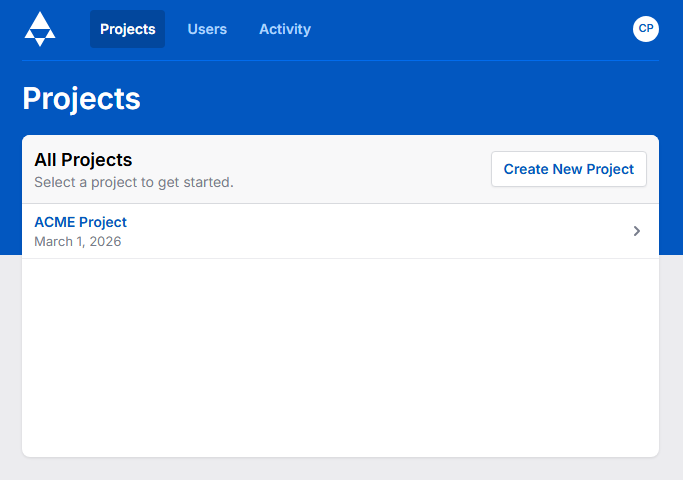
The Projects page can be reached via the pyramid icon in the Top Left or the Person Icon in the bottom left. The “Log out” selection allows for quick log out of the SkuDB instance. The “Account” selection brings a user to the Projects page where they can perform the following functions:
- Open an existing Project
- Create a New Project
- Logout
Administrative users have the additional ability to create new users and to view the system activity dashboard.