Navigation
To navigate between the views in SkuDB, open a new tab or pane. Navigate between the following views:
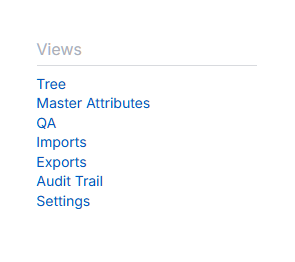
Dashboard
A high-level summary of the hierarchies in the project.
Tree
Open a tree view containing all hierarchies and categories in the project
Search
Search item IDs across the project.
Chatbot
An ai-powered chat that brings project data into the context of the conversation. The chat can run read-only SQL queries to view any requested vertical(s). Requires configuration in “Settings” view.
Master Attributes:
A list of all unique attributes in the project, with summary statistics.
Fields
Fields view is where fields can be added to categories, attributes, items, issue log, QA, etc.
Issues
The issue log is the central repository for all issues across the project. New issue fields can be added from the Fields view.
Imports
The imports view is where attribute values and field values can be uploaded. Includes various options for controlling import behavior and includes preview and reporting.
Exports
The Exports view lists all current user-generated exports.
QA
The QA module contains a term dictionary and style guidelines. Add new QA fields from Fields view.
Settings
Project-wide settings, including project name, item tiers and names, chatbot configuration, and preview mode configuration.