Master Attributes
The Master Attributes view contains a searchable list of unique attributes throughout the project, and metadata about said attributes. Any fields on the attributes will also be displayed here.
Multiple Values for a Single Field
Note that when viewing Master Attributes from a non-terminal category, all values held by that attribute for a given field will be displayed in that field, separated by a pipe | delimiter. You can double-click on the field value to see all category paths containing the attribute, as well as each value held by the field within a given category path.
Example - ANSI Cut Resistance Order
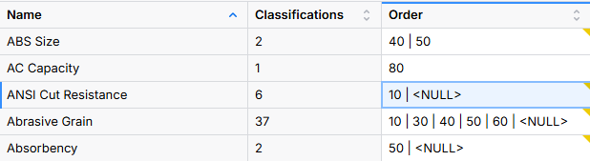
Attributes with differing values in different classifications will show all values within a cell, separated by a pipe | character.
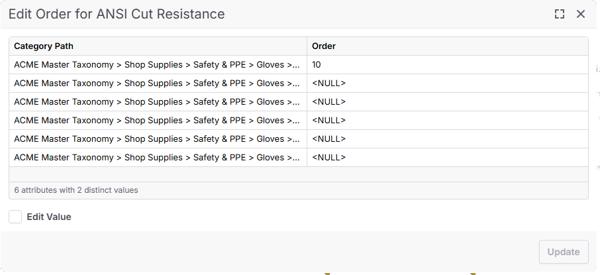
When an attribute has multiple values in different categories, you can double-click the field to trace their origins.